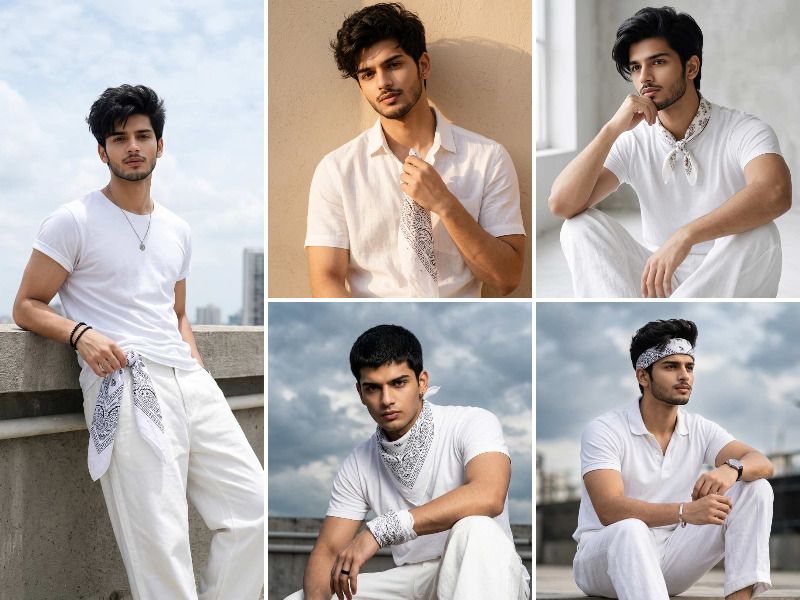
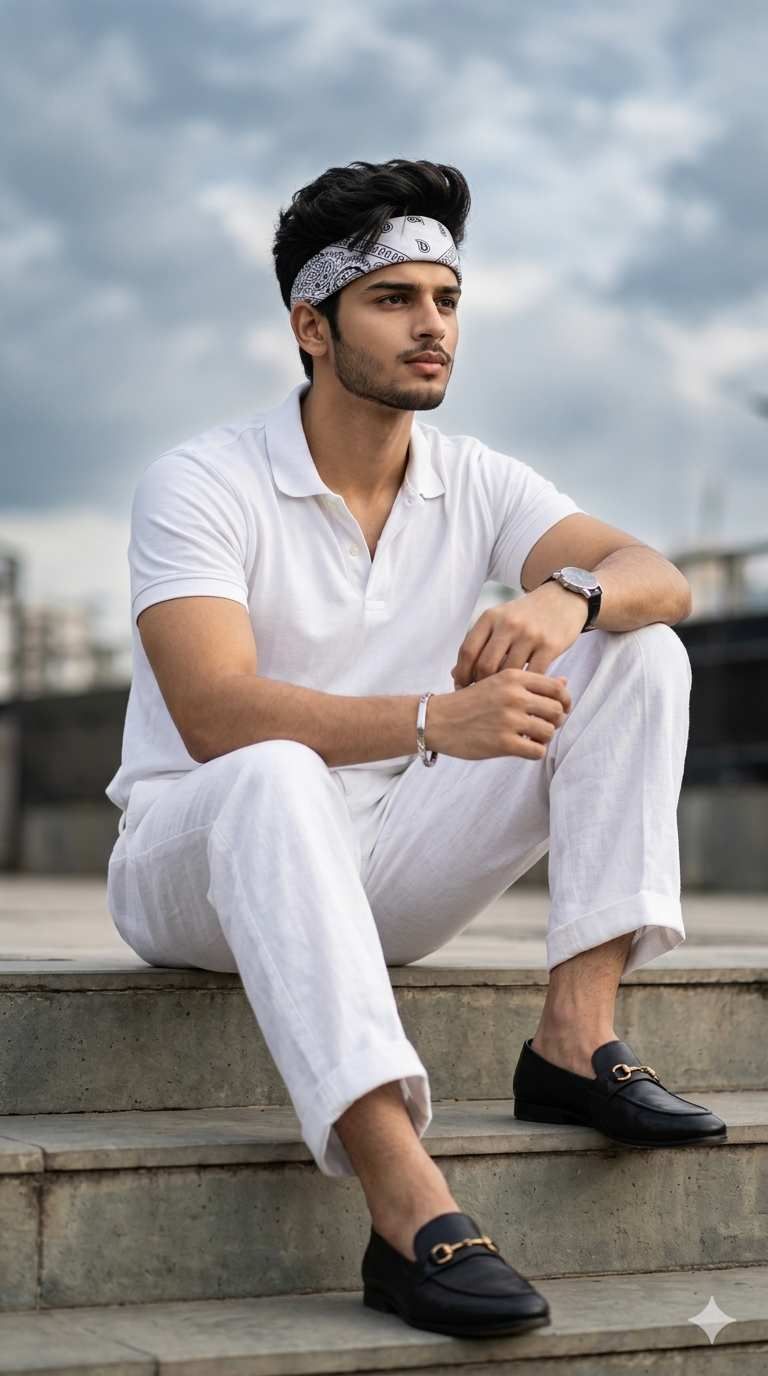
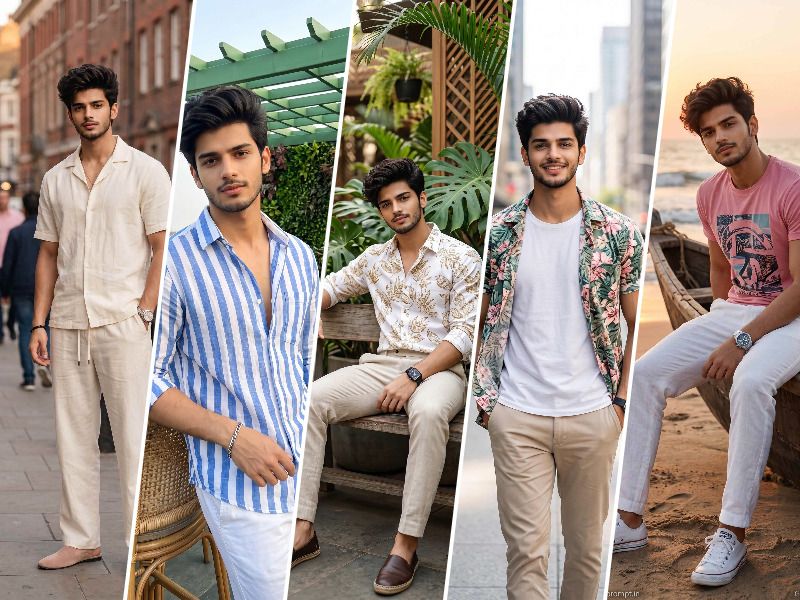
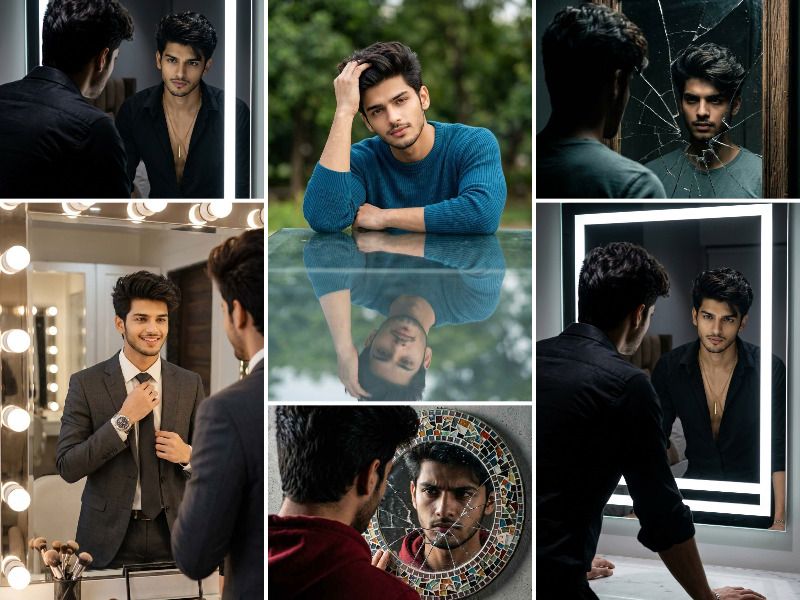
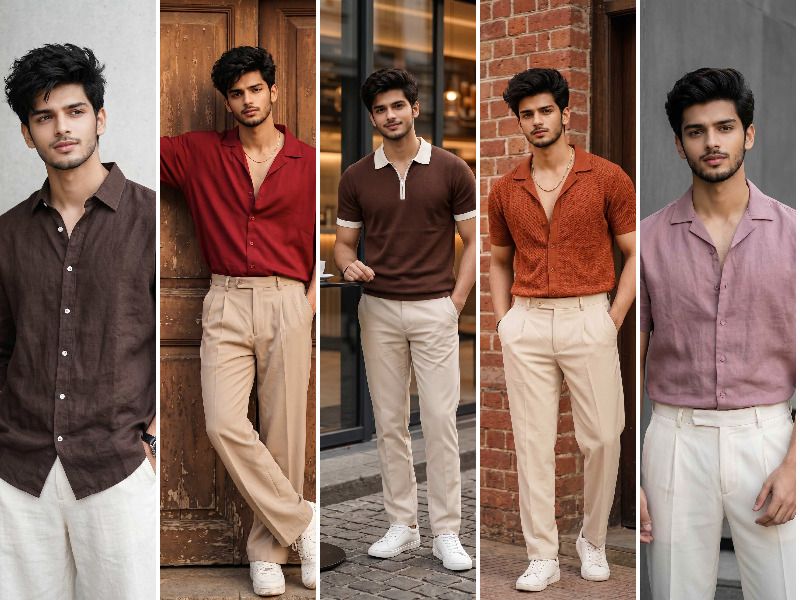
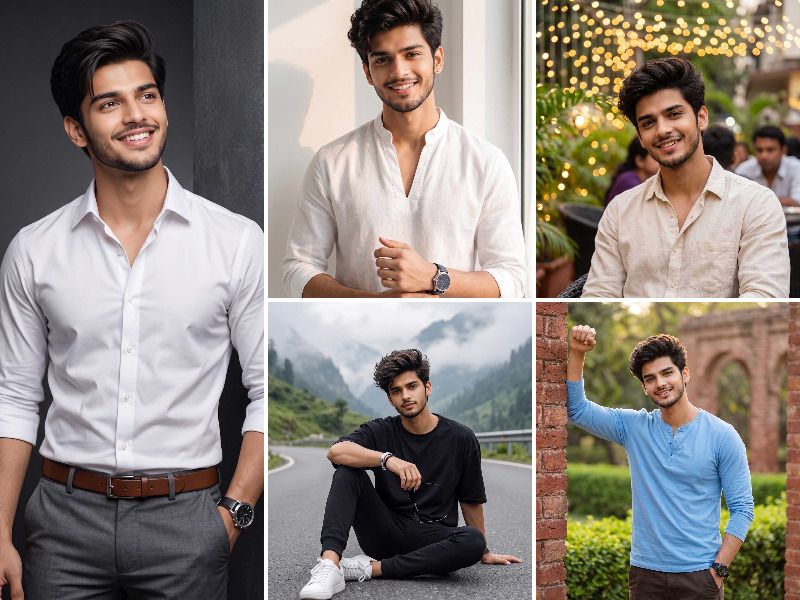
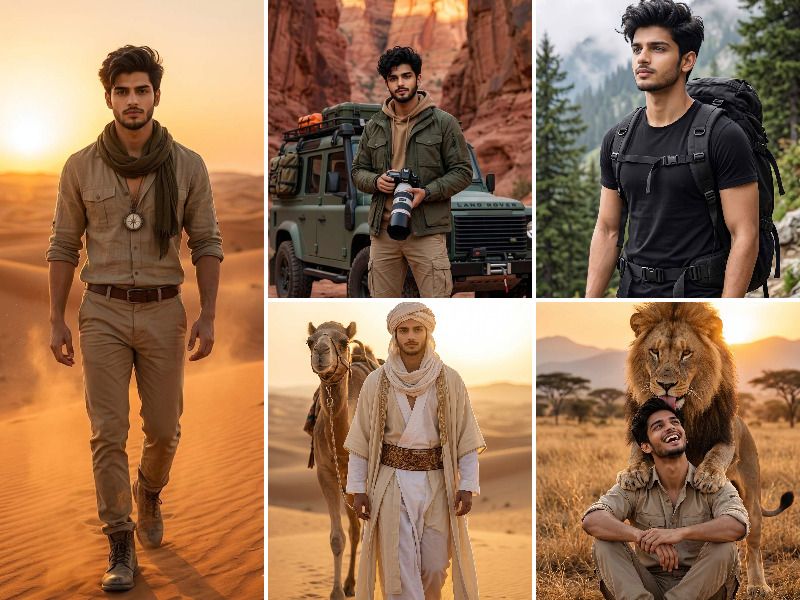
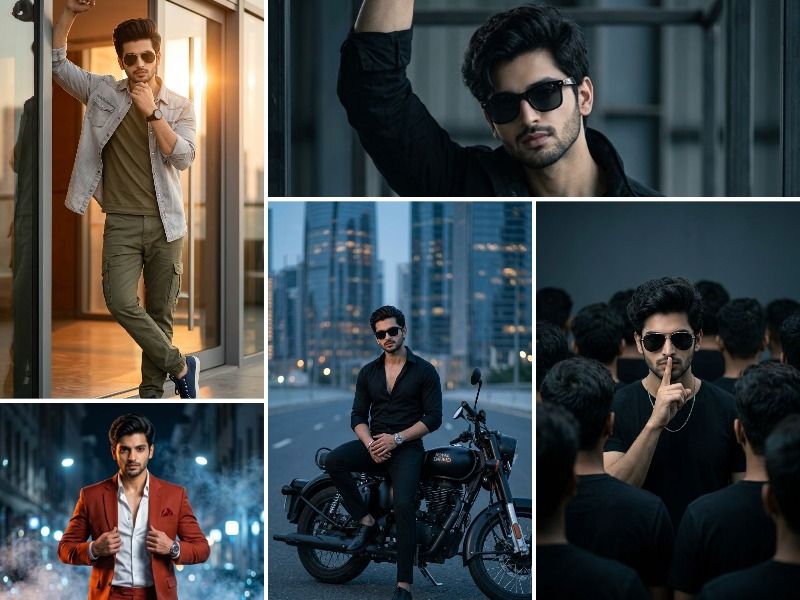
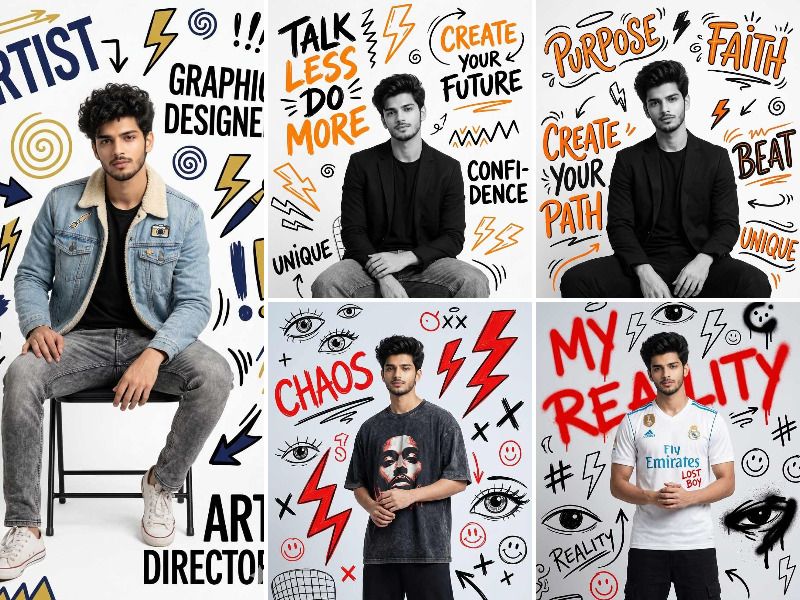
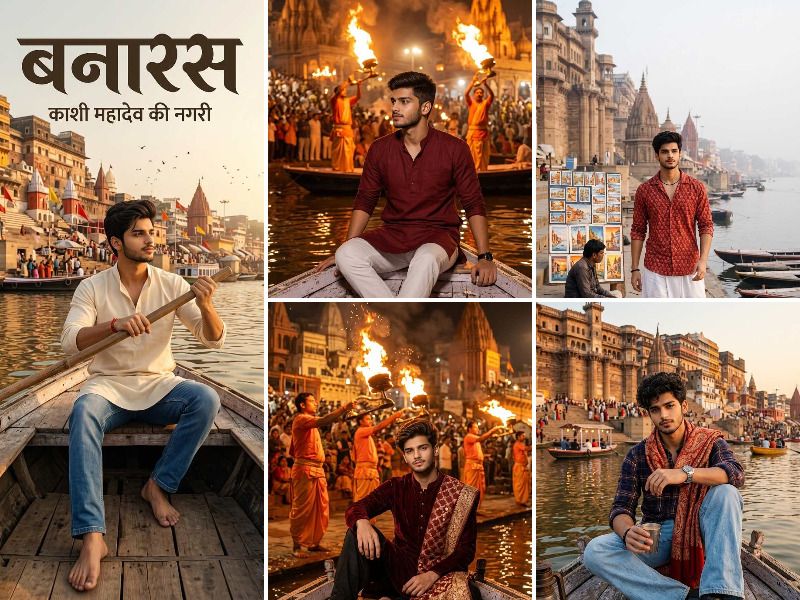
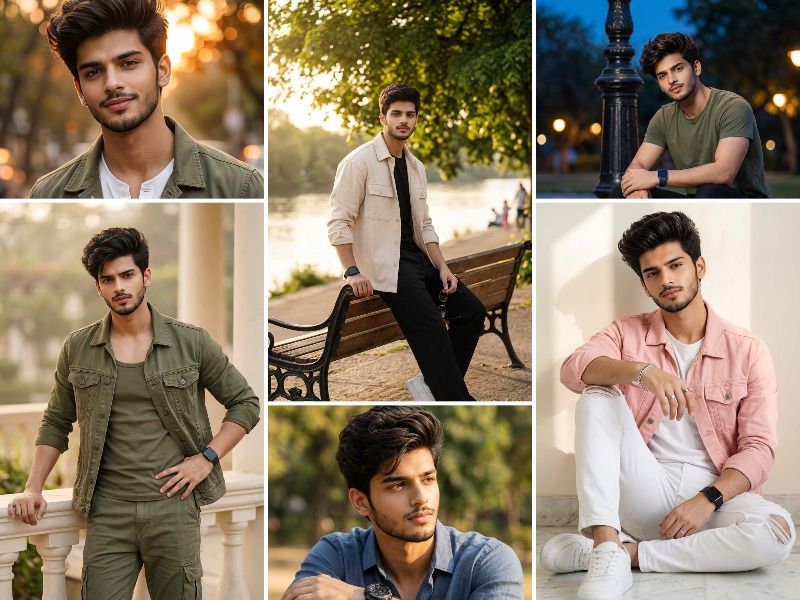
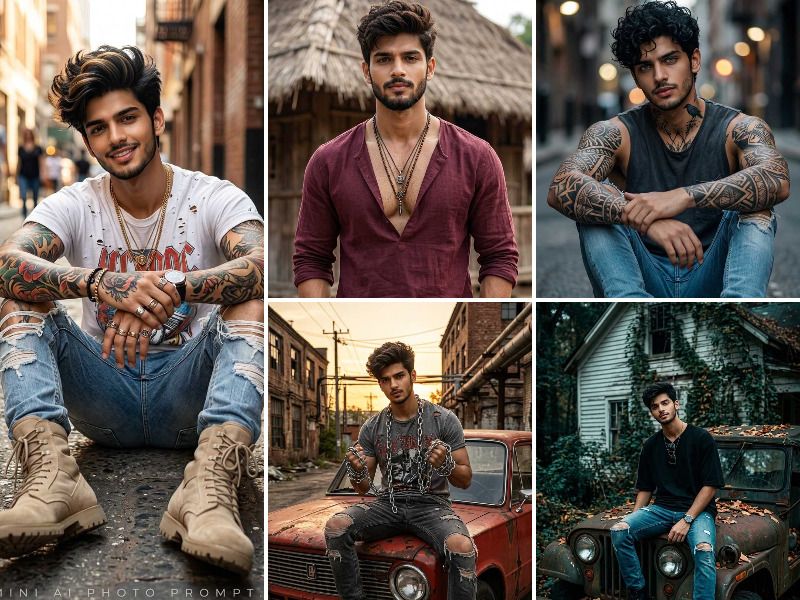
A Kpop style Gemini prompt copy and paste must specify subject skin tone (glass skin, porcelain fair), hair color and style (two-block cut, comma hair, bleached blonde, soft perm), outfit detail (oversized hoodie, pastel coordinates, stage outfit, streetwear layering), makeup descriptor (gradient lips, puppy eye liner, dewy skin), background setting (neon studio, cherry blossom park, Han River, urban rooftop), face-reference anchoring phrase, and 9:16 aspect ratio for photorealistic Korean idol portrait output on Geminiaiphotoprompt.in
How do I make a Google Gemini AI photo look like a Kpop idol with my own face?
Upload your reference photo to Google Gemini and include the face-anchoring phrase face is 100% identical to the uploaded reference image same facial structure same eyes same skin tone combined with Kpop-specific descriptors such as glass skin porcelain complexion dewy makeup gradient lips and puppy eye liner to achieve accurate Kpop idol face output.
What outfit details should I include in a Kpop style Gemini AI photo prompt?
A complete Kpop style Gemini prompt must describe outfit type such as oversized pastel hoodie with wide-leg sweatpants, color-coordinated two-piece set, idol stage sequin jacket with cargo pants, or layered streetwear with bucket hat and chunky sneakers including brand-style references like Nike Air Force or New Balance for maximum photorealistic clothing accuracy.
What background settings produce the best Kpop aesthetic results in Google Gemini AI prompts?
The most cinematic Kpop style portrait backgrounds in Google Gemini are produced using specific setting descriptors such as a neon-lit pastel pink and purple photography studio backdrop, blooming cherry blossom park with soft pink bokeh, Han River pedestrian bridge at blue hour with city light reflections, urban concrete rooftop with Seoul cityscape bokeh, and white minimalist high-key studio with ring light catchlight effect.